
Everything Ausgabentracker can do.
Sorted by the six things it’s there for. Features without a label are in all plans; “From Plus” and “Pro” show from which plan a feature is included by default.
Know what’s really left.
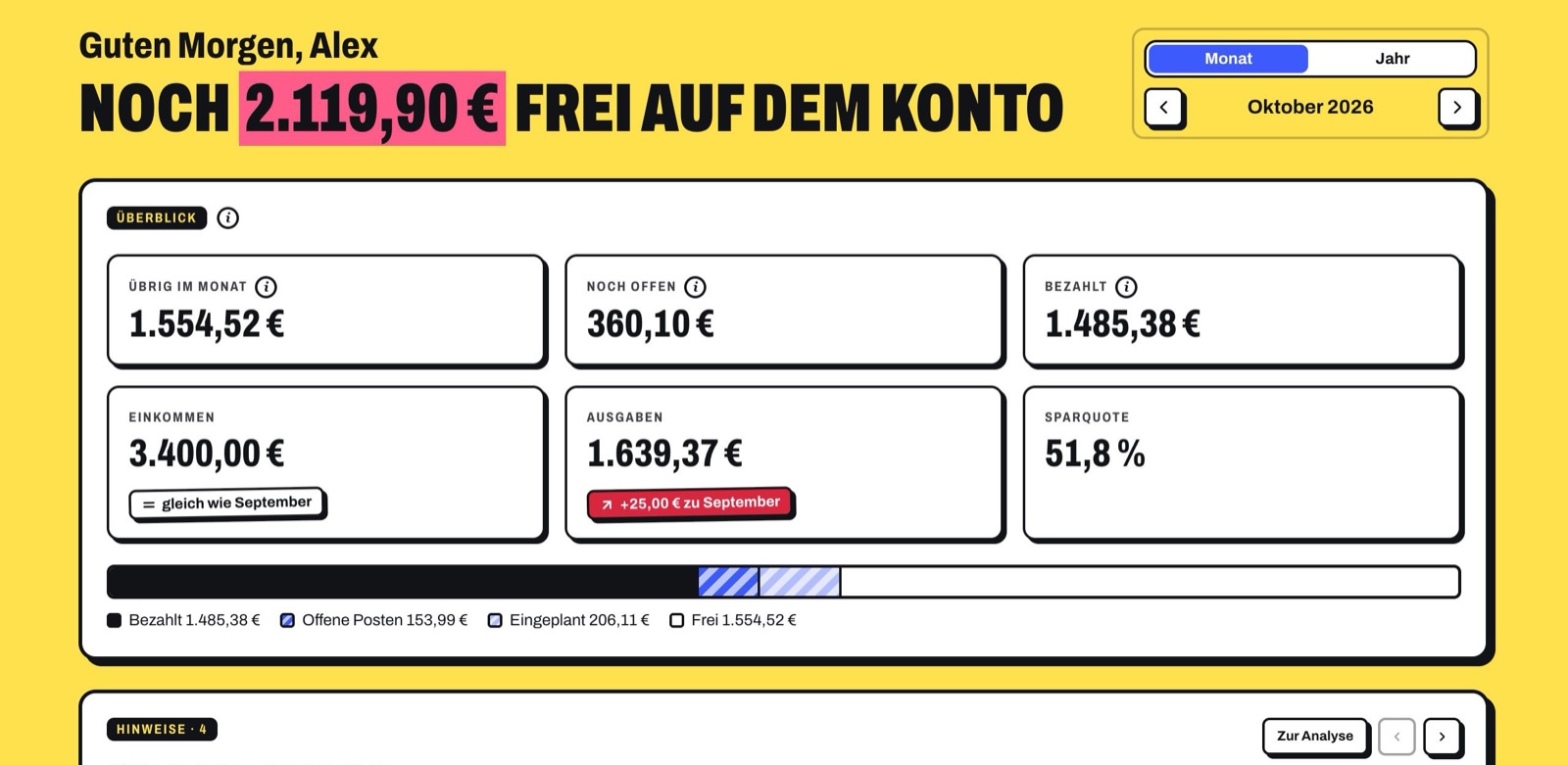
Not just the balance: Ausgabentracker deducts what’s still going out until the end of the month, what’s planned in your budgets and what goes into the reserve. What’s left is an honest number.
Free on the account
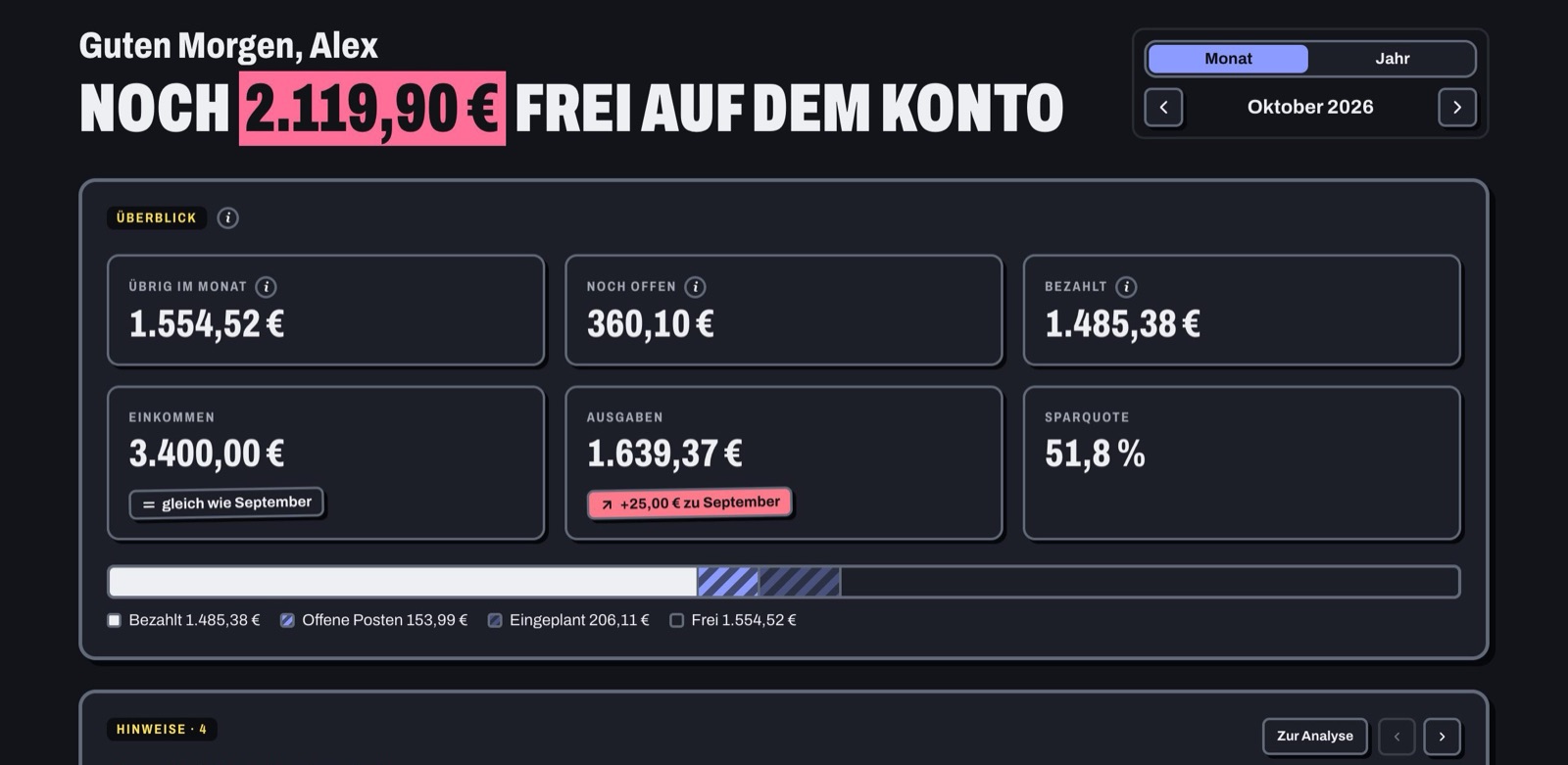
Balance minus everything still to be debited until the end of the month, and minus the rest of your budgets. An honest number instead of a nice-looking balance.
Reserve for annual costs
Insurance & co. become a fixed monthly rate. When one is due, the pot pays, and your month stays calm.
Overview
- At a glanceStill open, paid, income, expenses, savings rate and left this month, compared with the previous period.
- Month or yearBrowse between periods; “Today” jumps back. Future months don’t count in yearly totals.
- Next debitsWhat’s going out in the coming days, with day and amount.
- Where the money goesCategories as stacked bars, the history of recent months and expenses per account.
Budgets and categories
- Monthly budget per categoryThe rest of the budget counts as planned in the current month and toward “still open”. In past months it expires.
- Warning before the limitA tip when a budget is almost used up or exceeded, as a notification too if you like.
- Your own categoriesName, color and icon of your choice; edit all budgets in one dialog.
More about the reserve
- The rate adjustsWhen quarterly, semi-annual or annual costs are added or change, the app recalculates the savings rate.
- Warning if it isn’t enoughIf the pot isn’t enough for one of the coming dates, a tip appears. Due costs don’t count twice toward “still open”.
- Own account or starting amountOptionally with a savings account or money already saved. Individual costs can be excluded.
Plan today instead of only analysing yesterday.
Every expense sits on its day, contracts know their deadlines, and the forecast shows what your account will look like in four weeks.
Balance forecast
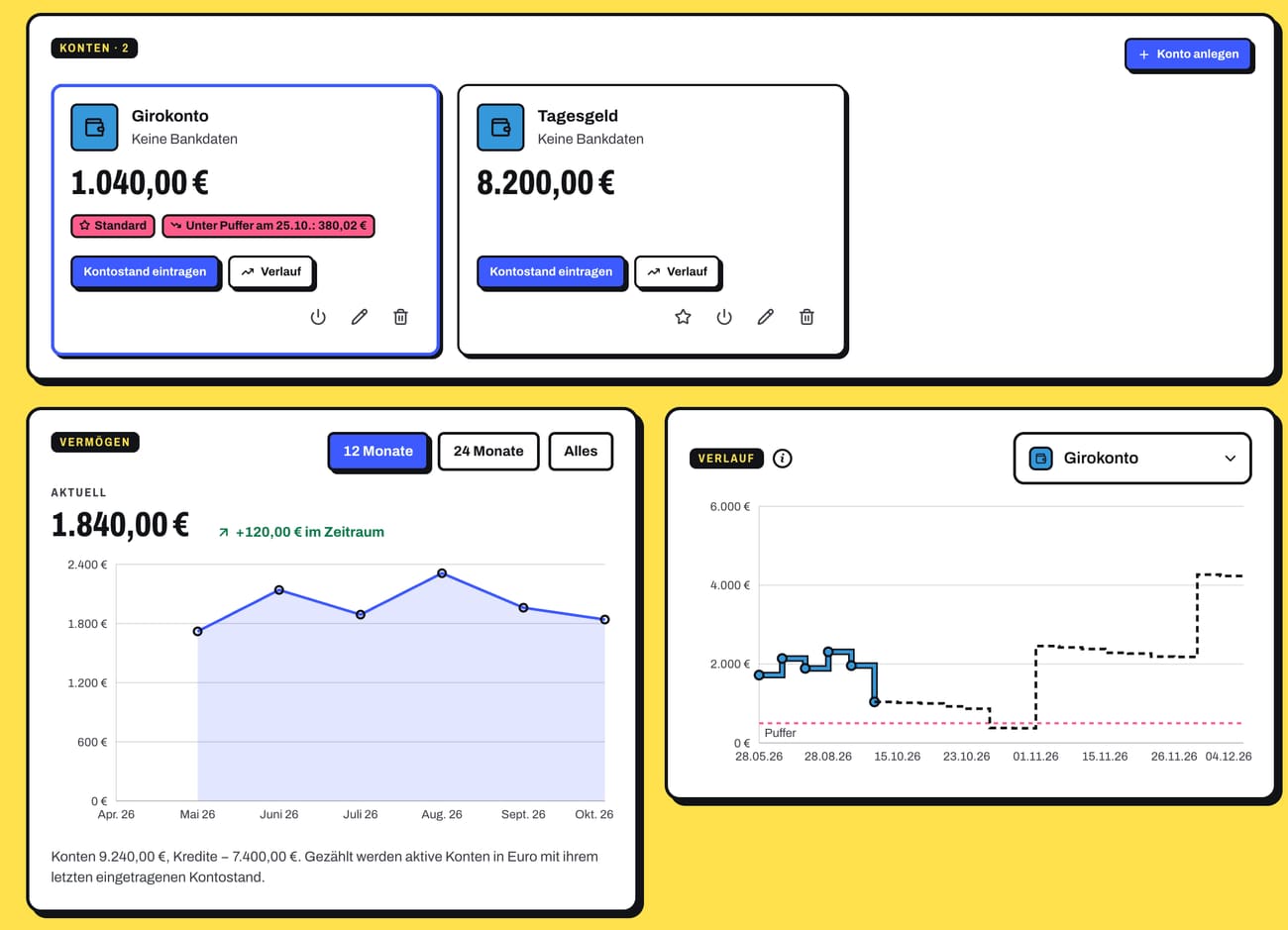
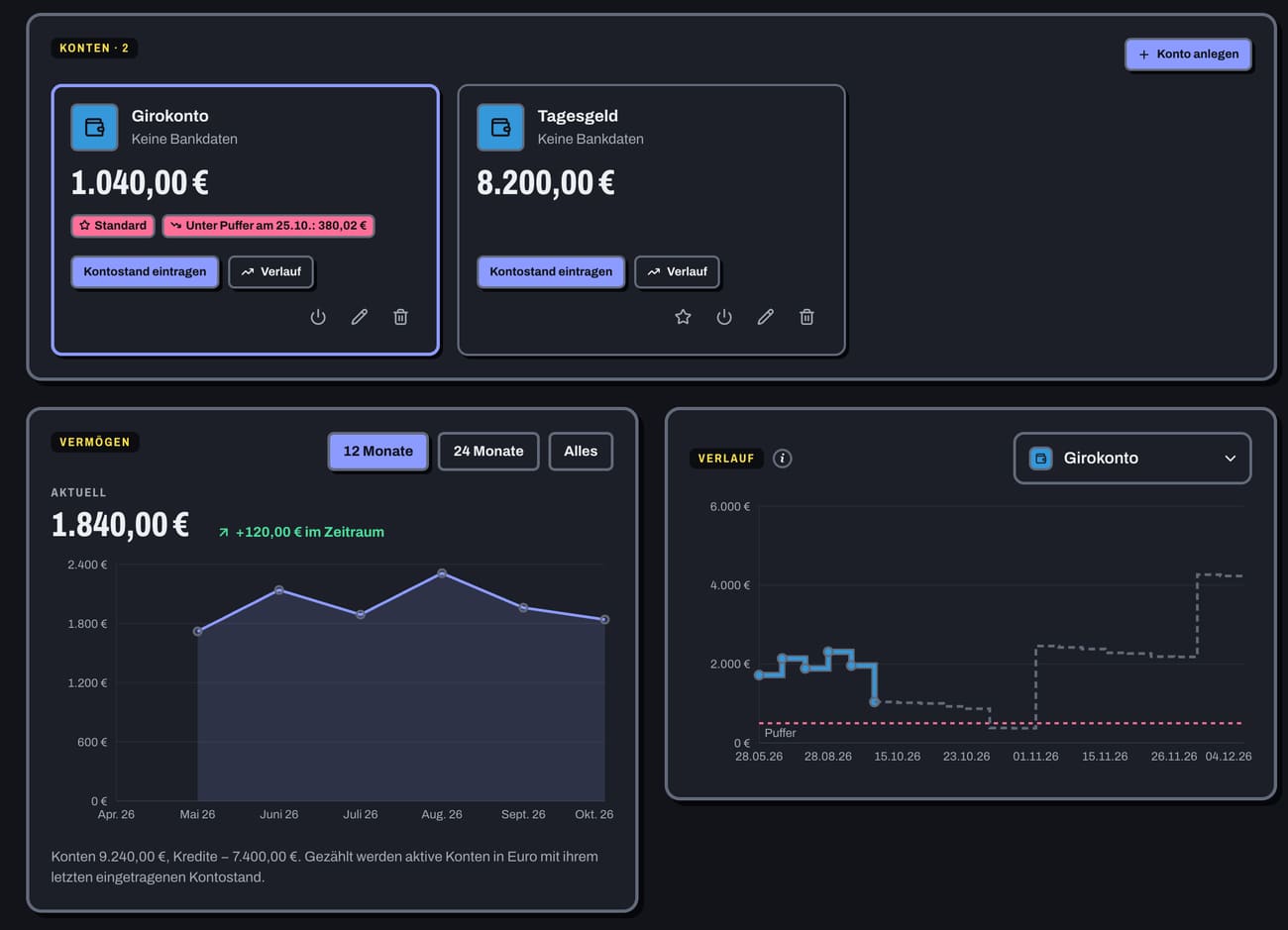
60 days ahead from balance, open debits, savings rates and income. If an account is about to go negative or below your buffer, the app warns you before it happens.
Last day to cancel, calculated
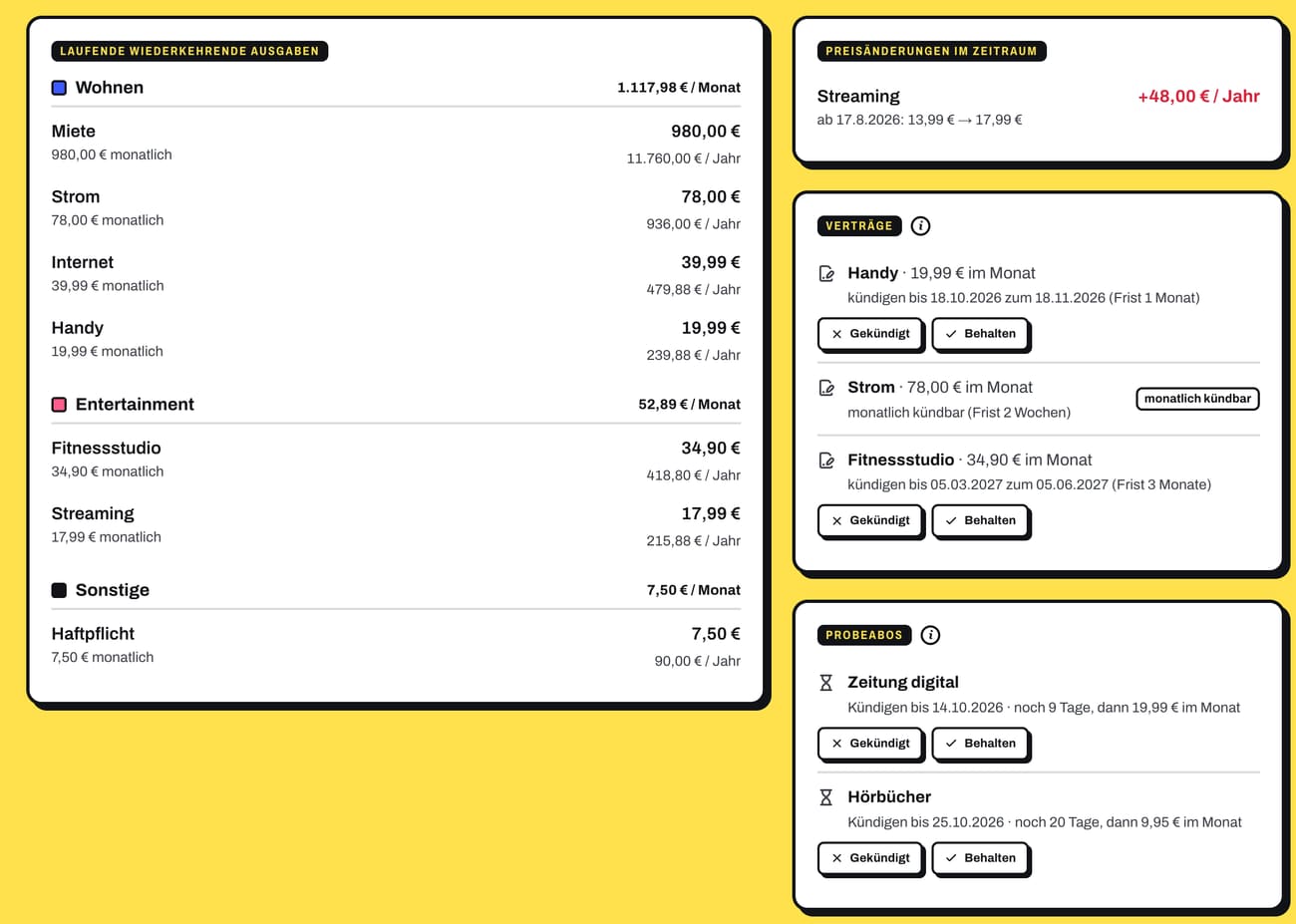
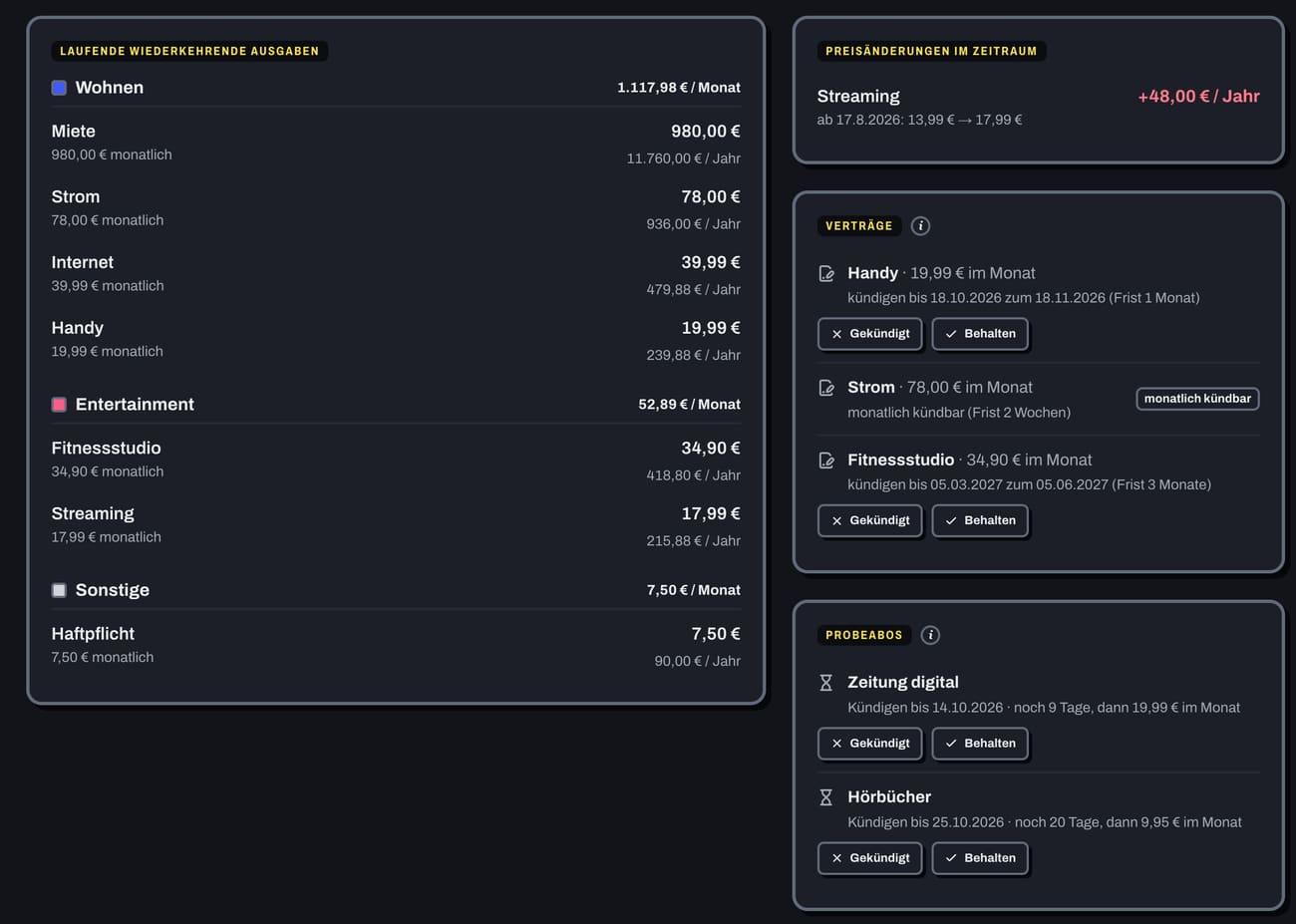
Enter the term and notice period once, and the app reminds you 7, 14 or 30 days before. “Cancelled” ends the debits at the end of the term.
Month and calendar
- CalendarAll expenses of the month on their day, with the daily amount and the category’s color. Done items appear faded.
- Tick offTick off, edit or add an expense on that day in the day’s side panel.
- List, search and filtersSortable list with bundles; filter by category, account, open or done, and recurring or one-time.
- On your phoneWeek bar, large calendar or list, actions in a sheet.
Expenses and income
- One-time or recurringMonthly, quarterly, semi-annually or annually, with payment day, first debit and optional end.
- Price stepsA price change applies from a date; earlier months stay as they were. The price history can be viewed per expense.
- Individual monthsOne month of a series can be changed or ticked off separately.
- IncomeSalary and other income per month, one-time or recurring. The basis for savings rate and forecast.
Subscriptions and deadlines
- TrialsFree or with a trial price: “Cancel by” and “Full price from”, a reminder beforehand, then “Cancelled” or “Keep”.
- Price increase detectedA tip for subscriptions that got more expensive, with a note on the special right to cancel.
- Convert a weekly price€7.10 a week becomes €30.77 a month.
Looking ahead
- Your own buffer“Warn below” per account, so the warning comes before the overdraft.
- Savings goalsTarget amount, target date and automatic savings rate. Plus status, required monthly rate and when the goal is reached.
- LoansPayment, interest and term. The payment appears as an expense, plus remaining debt and repayment plan.
- One-time purchases with tagsLarger purchases separate from the monthly budget, with tags like “car” or “holiday 2026” and totals per topic.
- Net worthThe history from balances and remaining debts over 12 months, 24 months or everything.
Automate your money management.
Transactions come from the bank, the app books known merchants by itself, the AI reads receipts, and you get reminded of what’s due.
Bank transaction recognised
From PlusWhen a transaction comes from the bank, the app finds the matching planned expense and marks it as paid. No ticking off by hand.
Photograph the receipt, done
ProThe AI reads amount, merchant, date and category from a receipt or invoice, fills in the expense and attaches the receipt right away.
Bank
- Bank connectionFrom PlusTransactions and balances arrive automatically, read-only via a licensed account information service (PSD2). The history period can be chosen.
- CSV importFrom PlusBank transactions as CSV with preview and column mapping, remembered per account. This also brings in transactions older than the interface’s 90 days.
- Learned rulesFrom PlusThe app books known merchants into their category by itself, with history, detaching, moving and undo.
- Suggestions to confirmFrom PlusWhat the app can’t assign with certainty comes as a suggestion. Automatic booking only starts from a cut-off date and only if you want it.
- BundlesFrom PlusFor example all supermarket purchases of a month in one item, per category or merchant.
- Subscriptions and contracts recognisedFrom PlusCreate recurring payments as a subscription or contract with a notice period, trials with a cancellation date, and apply price increases with one click.
- AI assignmentProCategory suggestions for new transactions, at the push of a button or after every fetch.
Receipts
- Receipts & warrantyFrom PlusPhotos and PDFs directly on expenses and purchases, “Warranty until” with a reminder 30 days before it expires, everything collected on the Documents page, stored encrypted.
- Read subscription confirmationsProA screenshot of the confirmation email becomes trial price, “Cancel by” and full price, even with “after twelve weeks”.
Reminders and templates
- Before every paymentBy email, push or both, days ahead of your choice and changeable per expense.
- Notifications per occasionDeadlines, trials, budget exceeded, account about to go negative, price increase, warranty, month-end summary. Channels per occasion.
- Push on all devicesAlso on iPhone from the installed app. Devices can be removed individually.
- TemplatesAdd frequent expenses with one tap.
- Automatic ratesLoan and savings rates appear as expenses by themselves.
Understand your finances.
Analyses show where the money goes and what’s changing. If you like, ask the AI of your choice, with your own key and data you choose.
Where the money goes
Categories, fixed costs and subscriptions, patterns and year comparison for any period. Outliers and subscriptions that got more expensive stand out by themselves.
The AI of your choice
ProAsk about your finances, with the model and key you choose. You decide what the AI sees; name, email, IBAN and notes never go out.
Analysis
- Period3, 6 or 12 months, this or last year, or a custom range.
- OverviewSaved per month, best and weakest month, fixed and variable per month.
- CategoriesExpenses per category, biggest changes and outliers.
- Year comparisonMonth by month against the previous year.
- Fixed costs & subscriptionsOngoing costs, price changes in the period, loans, contracts with cancellation dates and trials.
- PatternsSpending by weekday and over the month, merchants and descriptions.
- Savings calculatorWhat does a rate add up to over time?
- Charts as tablesEvery chart as a table with the same numbers at the push of a button, also for screen readers.
Tips and reports
- TipsUpcoming debits, budgets at their limit, outliers, savings rate, share of fixed costs, price increases, accounts about to go negative and savings goals.
- Year in reviewYour year as a story: totals, biggest items, categories, savings goals and loans, also as a PDF.
- Monthly reportAs a PDF to download or emailed to you, plus the month-end summary as a notification.
More about the AI
- Ask first, then saveProIf the assistant suggests a change, such as a new expense or a budget, it’s only saved after you confirm.
- Preview before sendingProBuilding blocks and period of your choice, names as placeholders, amounts rounded. A preview shows exactly what is sent.
- Your own model for receiptsProFrom the OpenRouter list with prices and recommendation; for receipts a model that understands images.
- AI tipsProPersonal tips on overview and analysis, renewed every week if you like.
- Costs under controlProCosts per area and model, a monthly budget with a warning from 80% and a stop at 100%.
Plan together.
Share accounts, expenses and categories with the people you run a household with, each to view or edit. The settlement shows who owes whom how much.
Settlement
ProFrom shared expenses and purchases the app calculates who owes whom how much, with a split per entry. “Settlement done” starts a new period.
Shared category
ProOne pot for everyone: everyone sees all expenses in it, and the budget counts across everyone.
Sharing
- InviteProBy email, link or a code to type in. The connection only starts once the other person accepts.
- What can be sharedProAccounts, individual expenses, one-time purchases, income, savings goals, categories and loans, each share separately.
- View or editProRights per share. The other person’s AI only sees shared entries with explicit permission.
Keeping track
- Keep everything apartPro“All / Mine only / Shared only” in all views; person chips show who owns what.
- Free stays yoursProShared accounts and loans only count toward “free” and net worth if you want.
- TraceableProEvery action appears in both sides’ activity logs; invitations, shares and settlements come as notifications.
Your data stays yours.
No ads, no tracking, no advertising platform. You sign in securely, see every change and can take your data with you at any time.
Take it with you any time
Export as a file with areas of your choice or as an archive with all receipts, import elsewhere, plus CSV for Excel and Numbers. You delete your account with all data.
Signed in securely, everything traceable
Passkey or two-factor code, a list of your devices and an activity log that shows every sign-in and every change to your data.
Security
- Signed-in devicesEvery session visible and can be signed out remotely.
- Security emailsFor a changed password, blocked sign-in, data export or new passkey.
- Protection against guessingThrottling and blocking after failed attempts, forgot password by email.
- Privacy modeOne tap on the eye and all amounts are hidden, for example when you’re out.
Your data
- No advertising platformYour data lives on this installation’s server, without ads and tracking. Backups are encrypted.
- Read-only bank accessFrom PlusThe bank connection can only read transactions and balances, never move money.
- Installable as an appOn your phone with its own icon, light or dark. Expenses recorded offline are queued and sent later; offline reading only if you turn it on (encrypted).
- German or EnglishInterface, help, emails and reports in your language; numbers, dates and currency as you set them.
Which plan includes what.
Basic
Complete financial planning without external services
- Expenses, month and calendar
- Accounts, loans and net worth
- Analysis, budgets and savings goals
- Reminders by email
- Export and import of your data, CSV export
- Push notifications
Plus
Automatic bank connection
- All off Basic
- Bank connection
- CSV import
- Receipts & warranty
Pro
Everything includedBank + AI assistant
- All off Plus
- AI assistant
- AI tips
- AI assignment
- Sharing