Your budget in a calendar

Every euro has its day.

Plan your expenses in a calendar, tick off debits and see right away what you really have left until the end of the month.

Plan ahead, type less, understand where the money goes – alone or together.

Registration works with an invitation token from the operator of this installation.

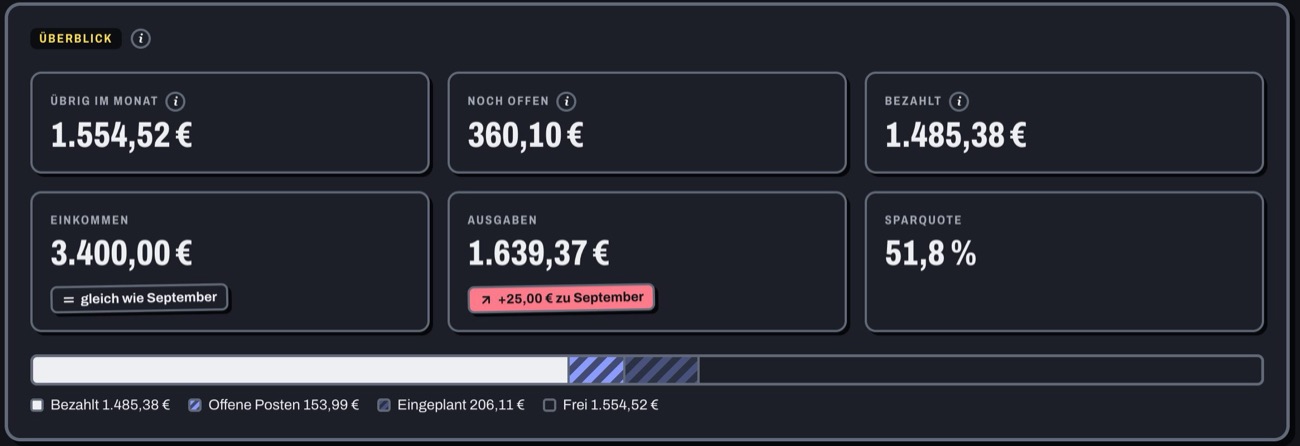
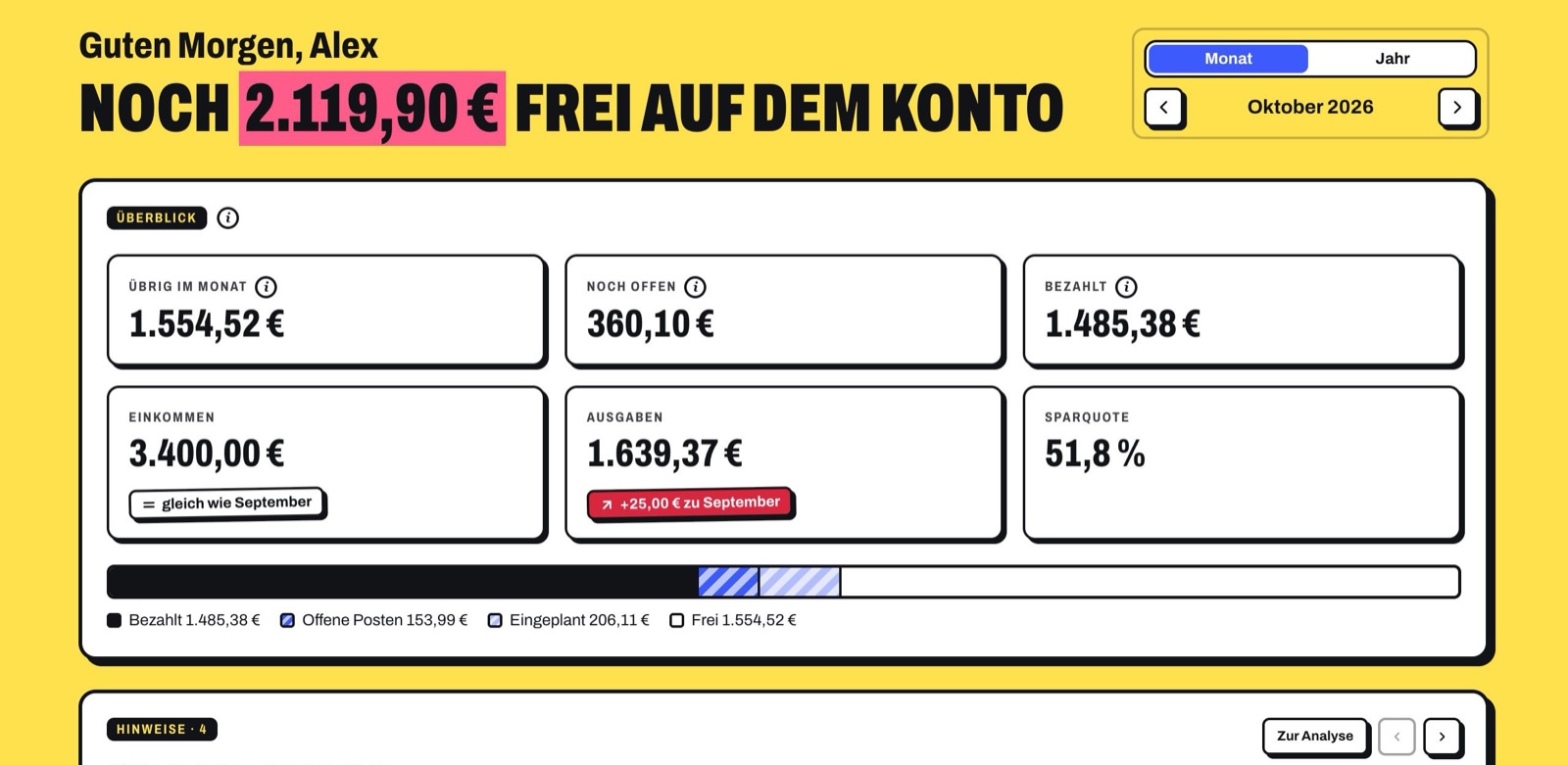
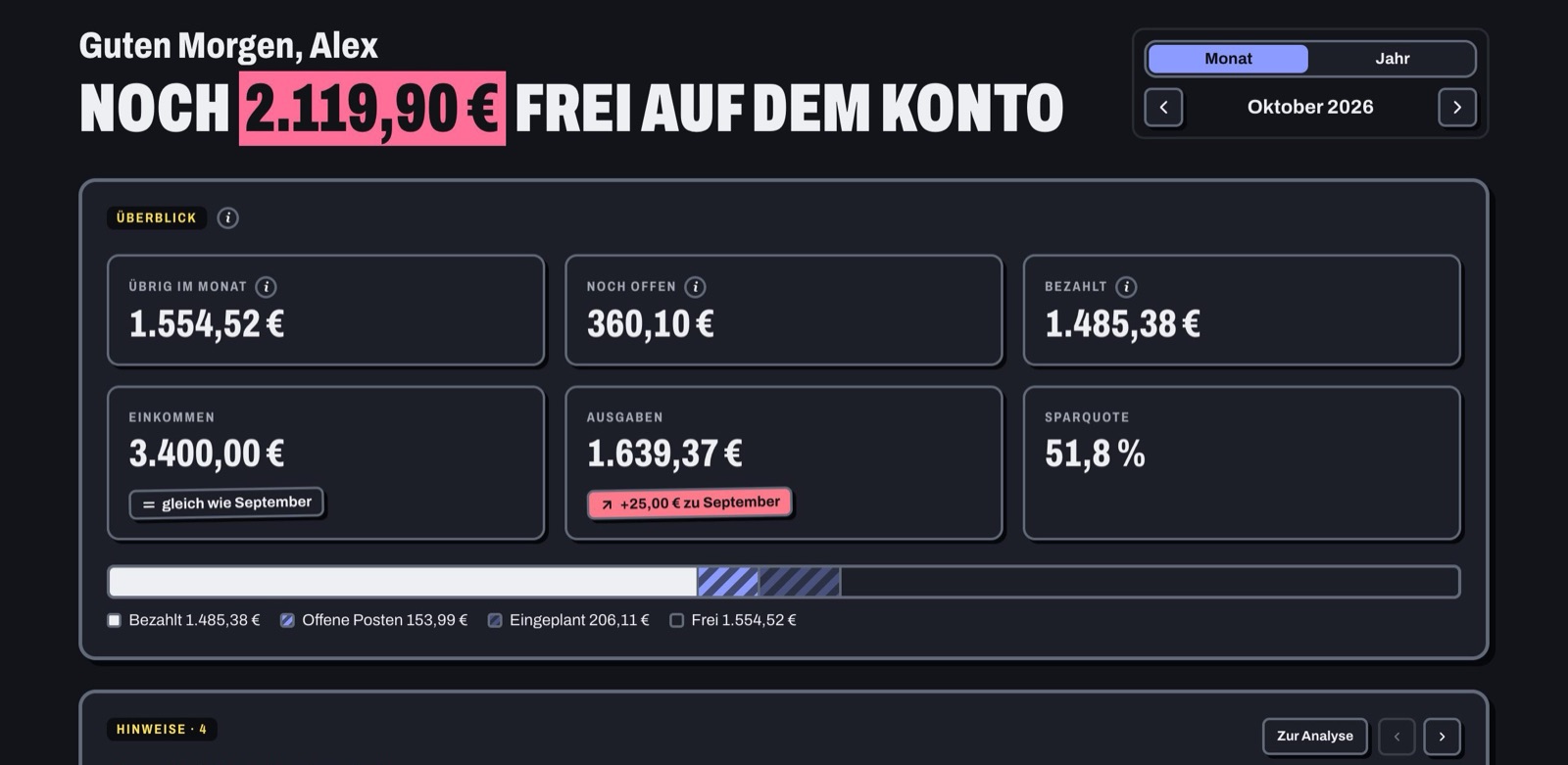
App overview: still free on the account, left this month, still open, paid
Sample data from the app
1 · Your month at a glance

Know what’s really left.

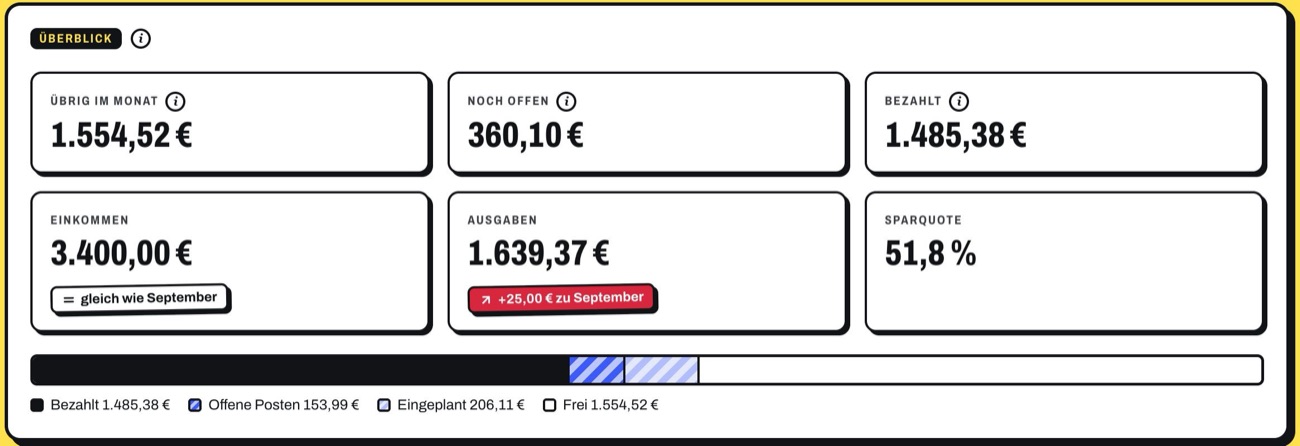
Not just the balance: Ausgabentracker deducts what’s still going out until the end of the month, what’s planned in your budgets and what goes into the reserve. What’s left is an honest number.

  • Free on the account: balance minus everything still going out until the end of the month
  • Budgets per category with a warning before it gets tight
  • A reserve for annual costs, so the car insurance doesn’t catch you by surprise
More about this
Month overview: left, still open, paid, income, expenses, savings rate and bars
2 · Calendar instead of bank statement

Plan today instead of only analysing yesterday.

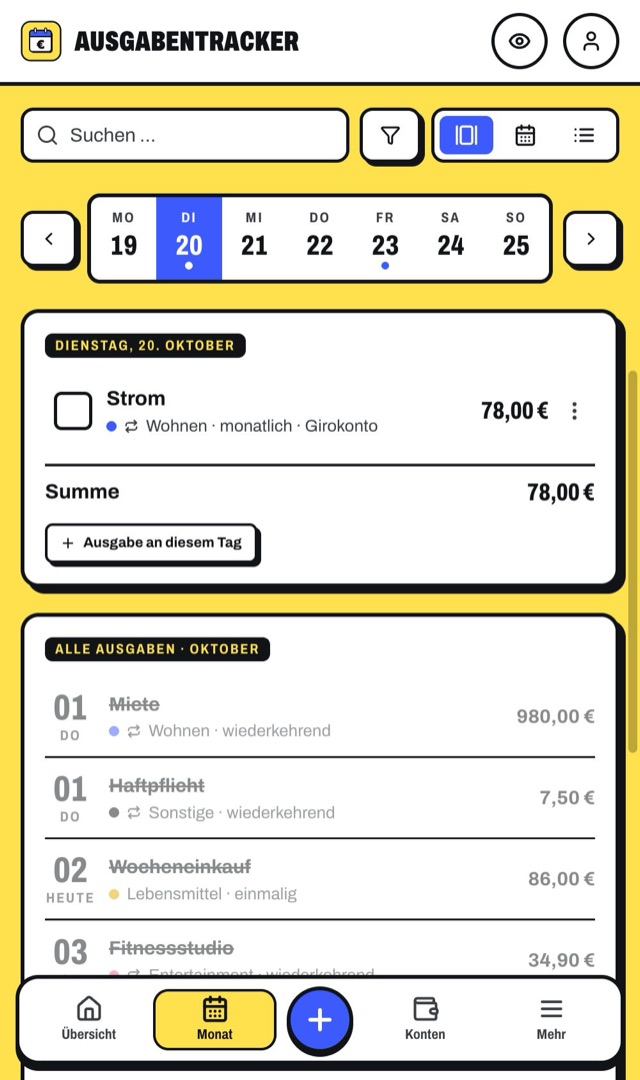
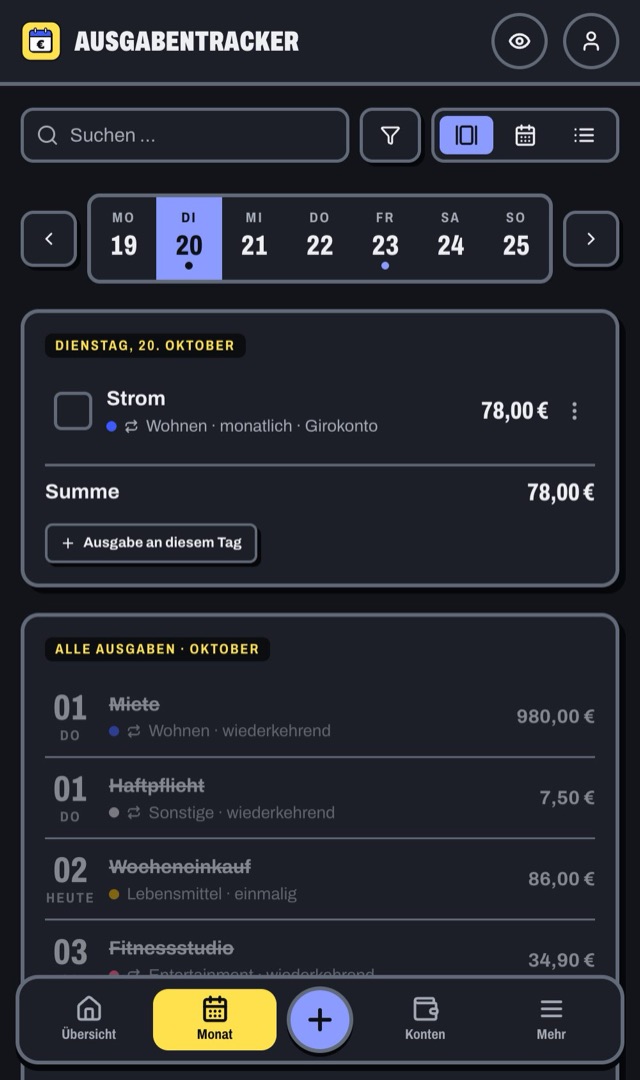
Every expense sits on its day, contracts know their deadlines, and the forecast shows what your account will look like in four weeks.

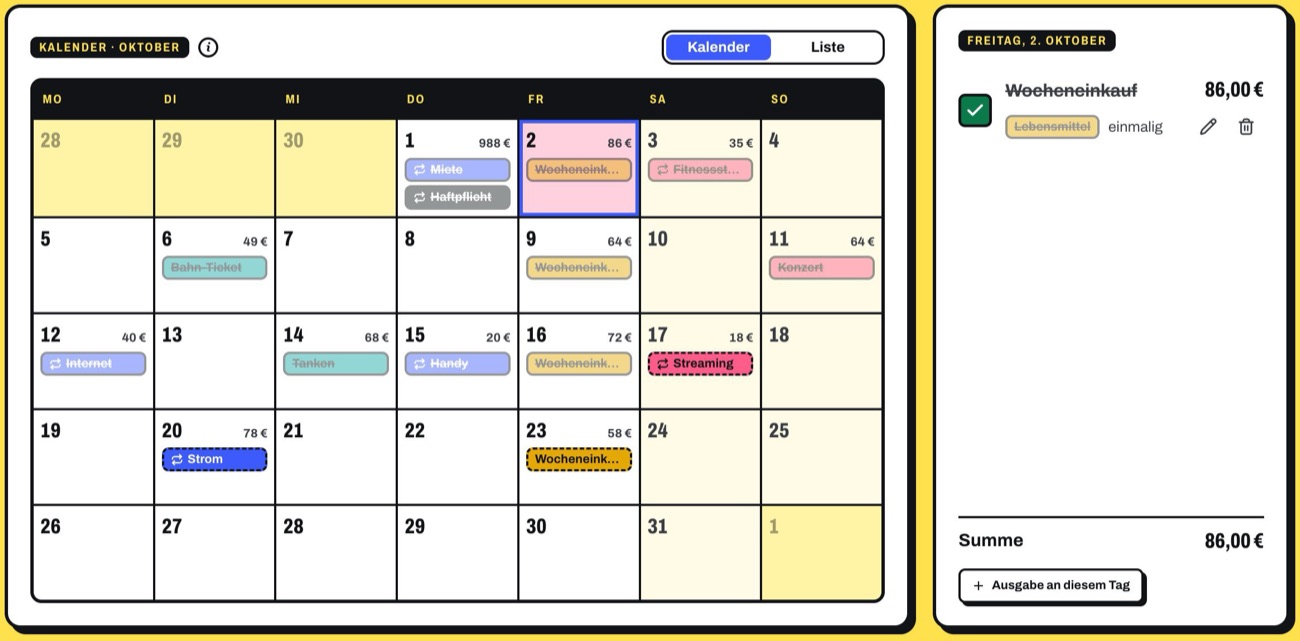
  • Calendar with all expenses of the month; tick off debits
  • Contracts and trials: the app calculates the last day to cancel and reminds you in time
  • Balance forecast for 60 days, savings goals with a savings rate
More about this
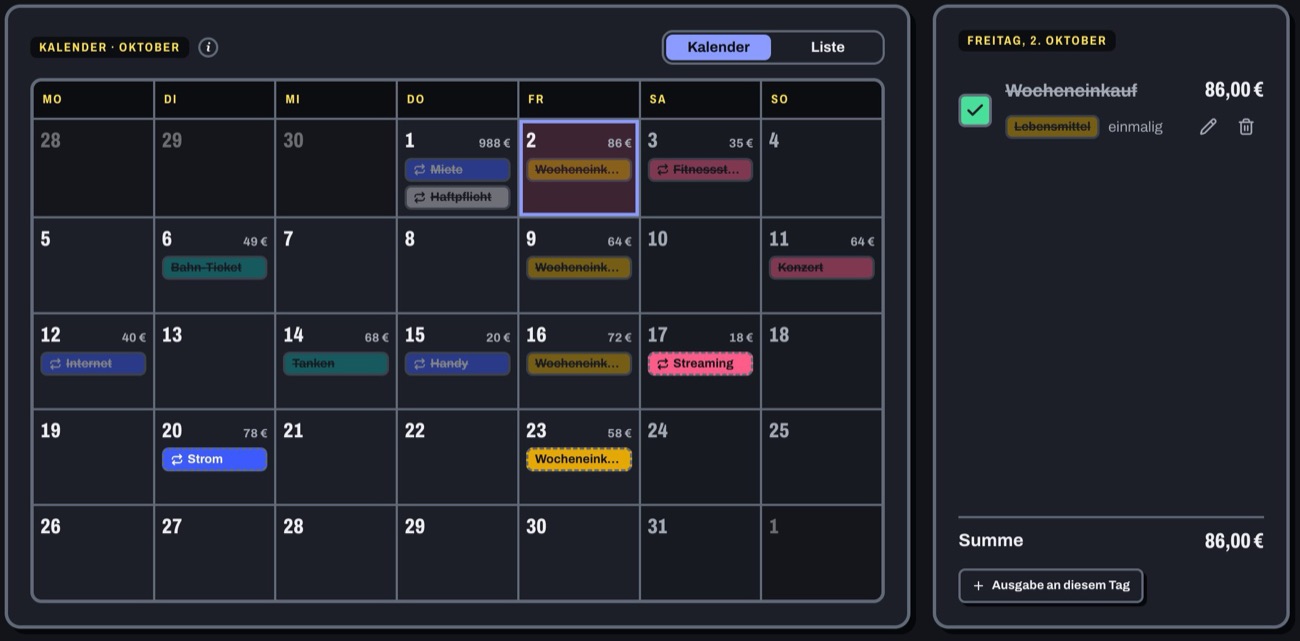
Month calendar with ticked-off and open expenses and a day view
3 · Less typing

Automate your money management.

Transactions come from the bank, the app books known merchants by itself, the AI reads receipts, and you get reminded of what’s due.

  • Bank transaction recognised: the matching planned expense counts as paid automaticallyFrom Plus
  • Take a photo of a receipt or invoice, and the AI fills in the expensePro
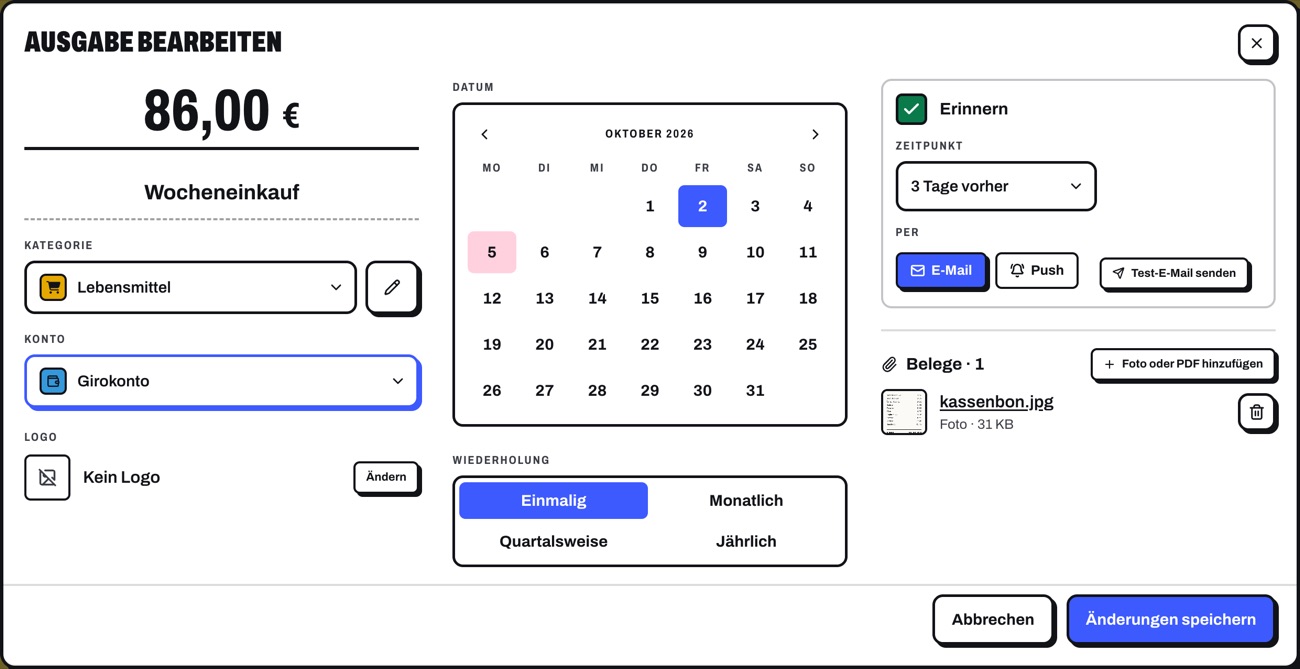
  • A reminder before every payment by email or push
More about this
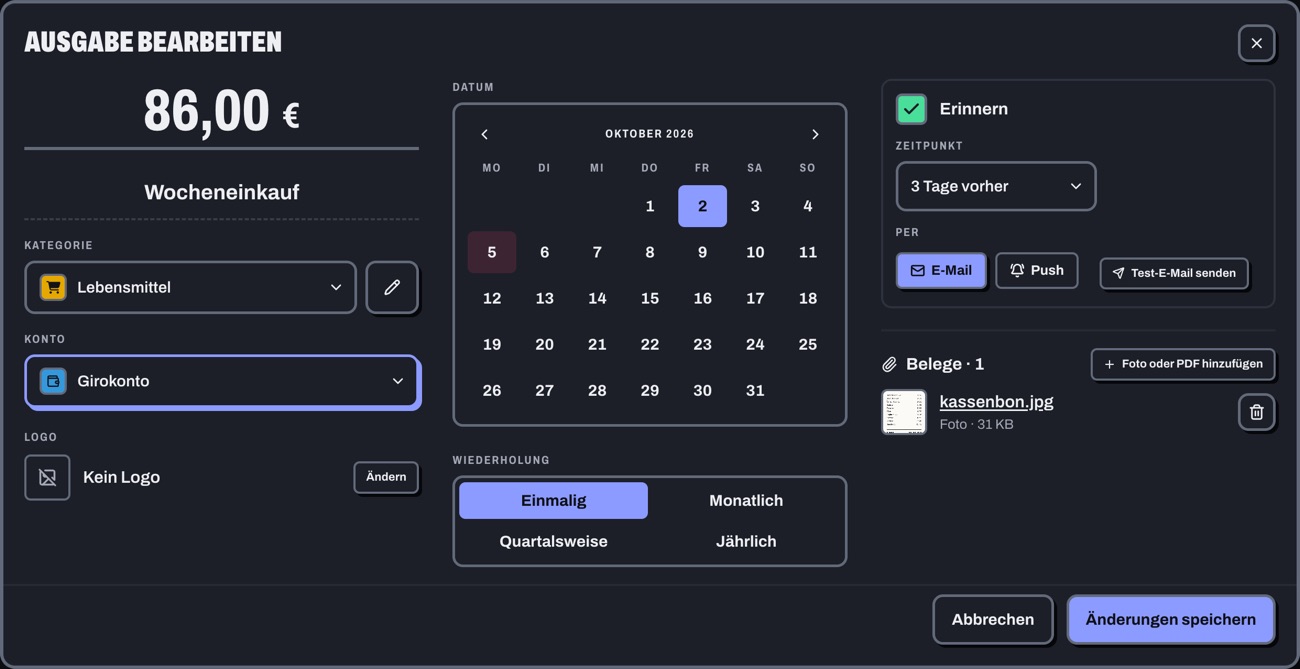
Expense dialog with amount, repetition, reminder before the debit and an attached receipt
4 · Analysis instead of gut feeling

Understand your finances.

Analyses show where the money goes and what’s changing. If you like, ask the AI of your choice, with your own key and data you choose.

  • Fixed costs, categories, patterns and year comparison
  • Tips when something stands out: pricier subscriptions, tight budgets, outliers
  • AI assistant with the model of your choice; you decide what it seesPro
More about this
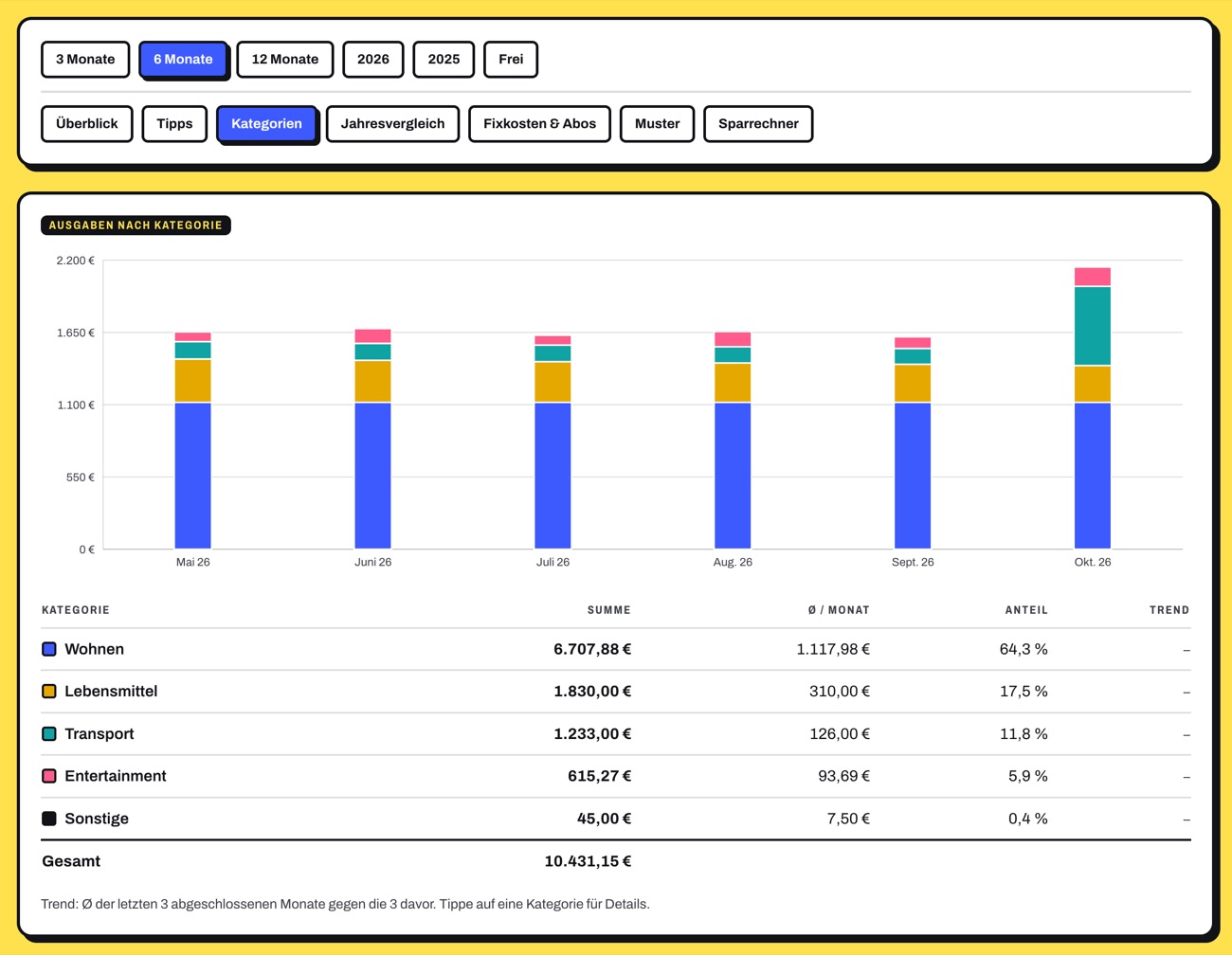
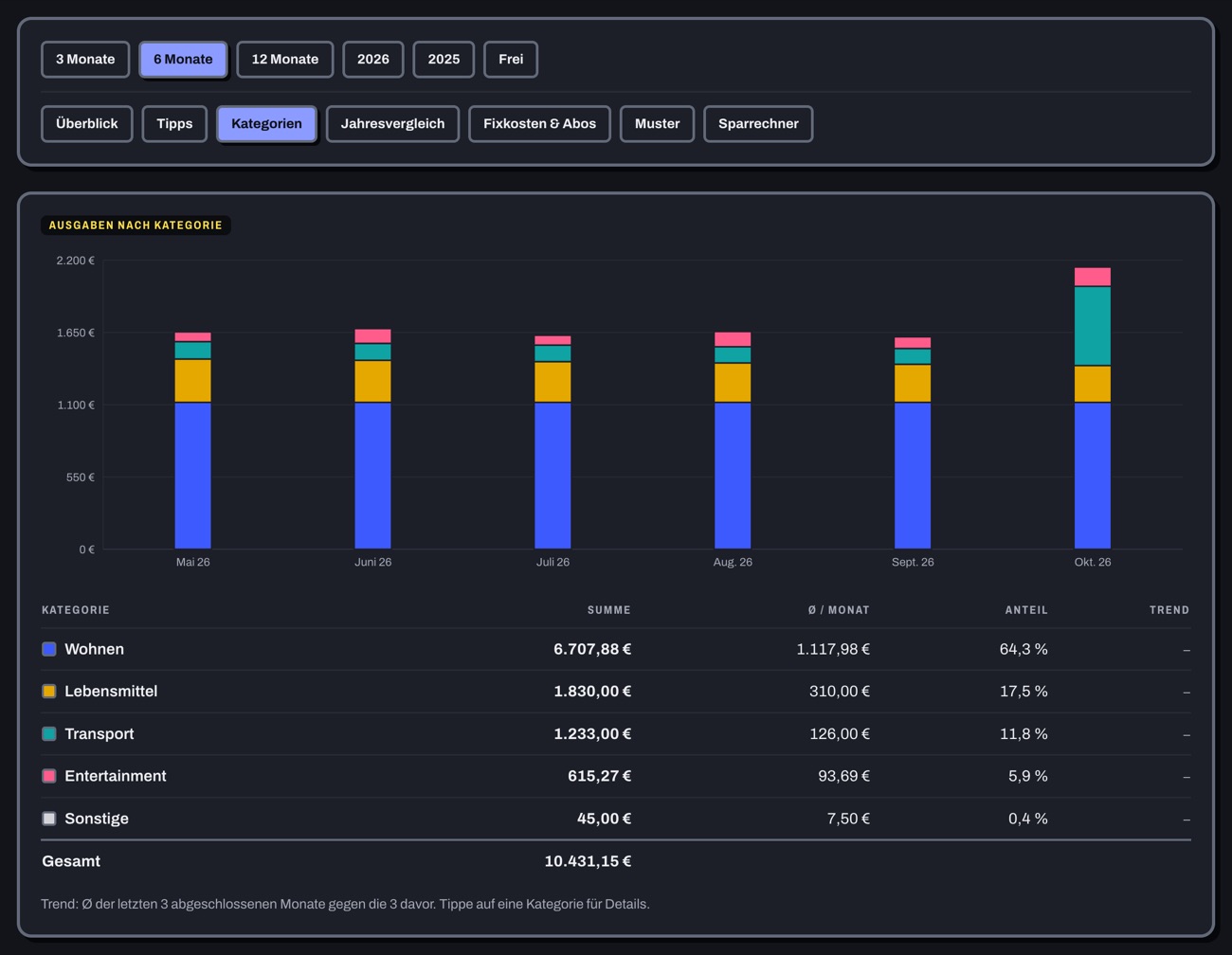
Analysis by category: stacked bars per month and a table with total, monthly average and share
Pro
5 · As a couple, family or flat share

Plan together.

Share accounts, expenses and categories with the people you run a household with, each to view or edit. The settlement shows who owes whom how much.

  • Share accounts, expenses, savings goals and loans, to view or edit
  • A shared category as a pot with one budget for everyone
  • Settlement: who owes whom how much
6 · Your data, your rules

Your data stays yours.

No ads, no tracking, no advertising platform. You sign in securely, see every change and can take your data with you at any time.

  • No ads, no tracking, encrypted backups
  • Passkeys, two-factor, device list and activity log
  • Export and import at any time; delete your account with all data

Calendar, contracts, bank, receipts, AI, sharing and much more: every feature in detail, with the plan that includes it.

See all features
License plans

Basic, Plus or Pro.

All plans have the same complete core. Plus fetches your transactions from the bank and stores receipts; Pro adds the AI assistant and sharing.

Basic

Complete financial planning without external services

  • Expenses, month and calendar
  • Accounts, loans and net worth
  • Analysis, budgets and savings goals
  • Reminders by email
  • Export and import of your data, CSV export
  • Push notificationsReminders as push messages on your phone

Plus

Automatic bank connection

  • All off Basic
  • Bank connectionFetch transactions and balances automatically from the bank
  • CSV importImport bank transactions as a CSV file from your bank and assign them
  • Receipts & warrantyStore receipts for purchases and expenses, reminder before the warranty expires

Pro

Everything included

Bank + AI assistant

  • All off Plus
  • AI assistantQuestions about your finances in a chat
  • AI tipsPersonal tips based on your data
  • AI assignmentSuggestions for which expense a bank transaction belongs to
  • SharingShare accounts with other people, e.g. in a shared household

You get the license key from the operator of this installation. You enter it after your first sign-in and can change plans later. A trial license includes everything from Pro for its duration.

Let’s go.

With your invitation token you’re ready in two minutes.