Free trials: testing without falling into the subscription trap
A month of streaming for free, twelve weeks of a magazine for a few euros, an app free for a week: trials are a good way to try something out. But they have a built-in trap. If you don’t cancel in time, you automatically end up in the regular subscription, often at a much higher price.
How trials work
Most trials follow the same pattern: you test for a while for free or at a trial price. If you don’t cancel, the subscription automatically switches to the regular price, often with a minimum term or a notice period.
- Free trial: typical for streaming, music, apps and software, usually one to three months.
- Trial price: typical for newspapers and magazines, for example a few weeks at a special price.
- Afterwards: the regular price, for magazines often stated per issue or per week.
The typical traps
- Deadline before the end of the trial: with some offers you have to cancel before the trial is over, for example “at the latest after receiving the tenth issue” for a twelve-week trial.
- Small price per week: a few euros per issue sounds like little but quickly adds up to several hundred euros a year.
- Subscription via the app store: you cancel in-app subscriptions in the app store, not by deleting the app.
- Forgotten confirmation: without the email you later know neither price nor deadline nor customer number.
| Trial, 12 weeks | €39.00 |
| Afterwards per issue (weekly) | €7.10 |
| Per month (× 52 ÷ 12) | €30.77 |
| Per year | €369.20 |
|---|
Before signing up
- Read the conditionsHow long is the trial, what does it cost afterwards, by when do you have to cancel?
- Note the last day to cancelRight away, not later. If there’s a rule like “after the tenth issue”, work out the date right away.
- Set a reminderA few days before that day, so you can decide calmly.
- Keep the confirmationAs a PDF or photo, together with the customer number.
Withdrawal isn’t cancellation
For contracts you conclude online or by phone, in the EU you usually have a 14-day right of withdrawal. This undoes the contract. A cancellation, on the other hand, ends a running subscription at the next possible date. These are separate routes; for a trial you usually need the cancellation.
How it works in Ausgabentracker
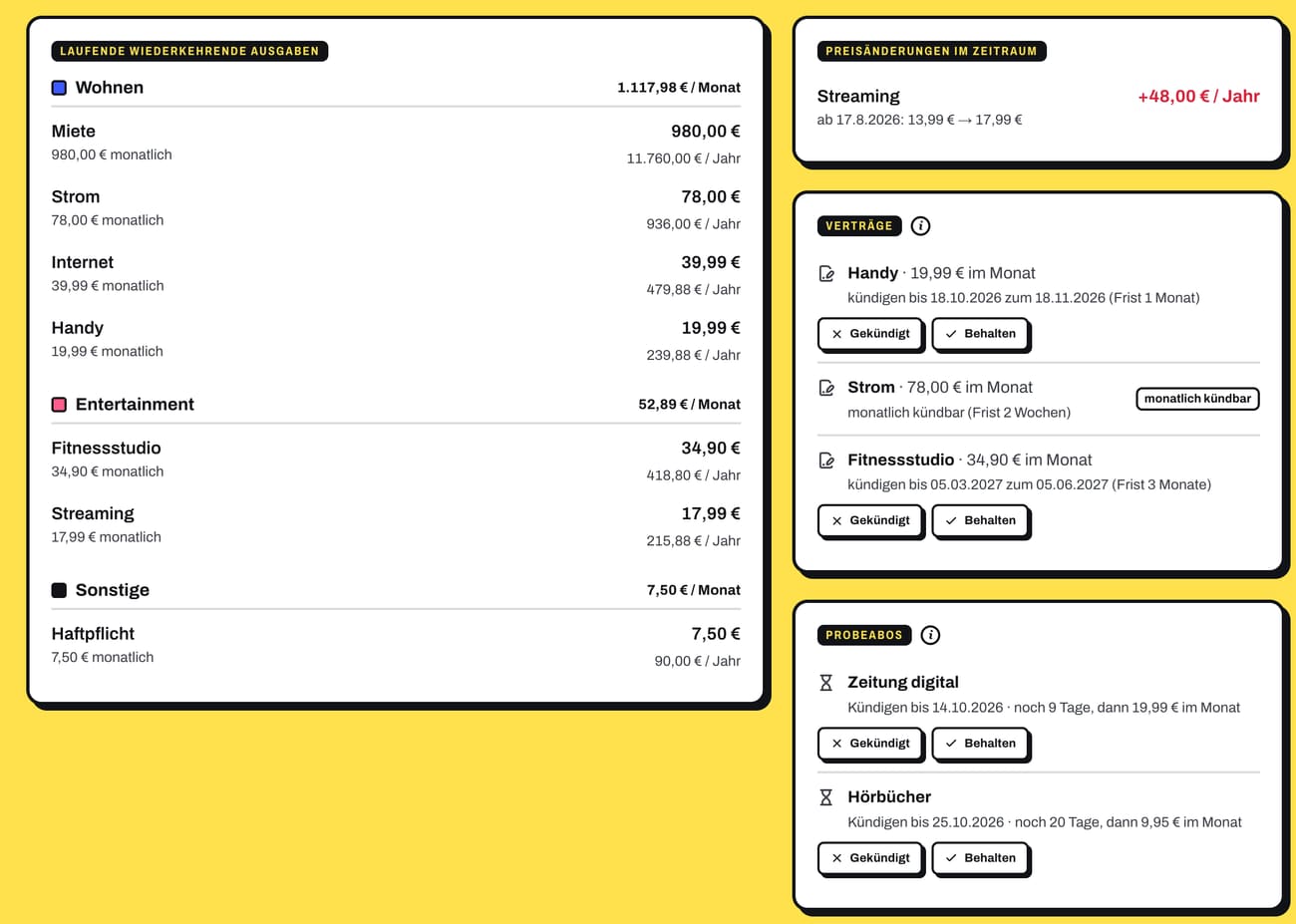
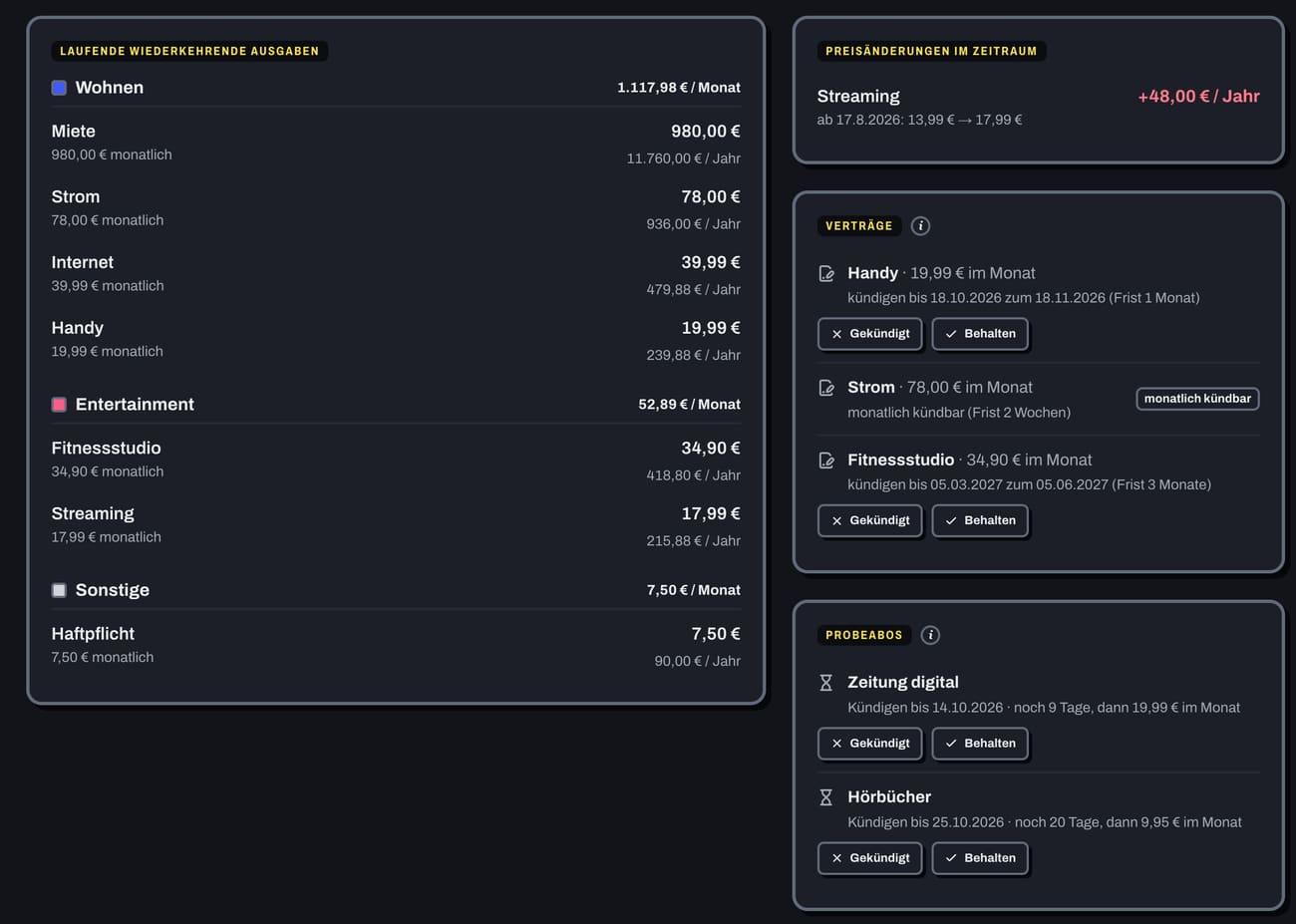
You enter a trial as a recurring expense with the “Trial” box ticked: trial price, “Cancel by” and “Full price from”. The trial price is booked as a separate expense. The app reminds you before the last day to cancel; afterwards you choose “Cancelled” or “Keep”.
- Reminder 1, 3 or 7 days before and once more on the last day
- Enter the weekly price, and the app calculates the monthly amount
- With the AI assistant (Pro): a photo of the confirmation email, and the app fills in trial price and dates
- “Cancelled”: the subscription ends, the entry stays as a reminder
Frequently asked questions
I missed the deadline. What now? Cancel immediately at the next possible date. After that the conditions of the regular subscription apply; for many contracts a notice period of at most one month. More in Cancel contracts on time.
How do I cancel a subscription in the app store? The store’s account settings on your phone have a list of all subscriptions. You can end the subscription there; deleting the app alone isn’t enough.
Is a trial worth it at all? Yes, if you use it deliberately: test, decide honestly, cancel in time or keep it. It only gets expensive if you forget.